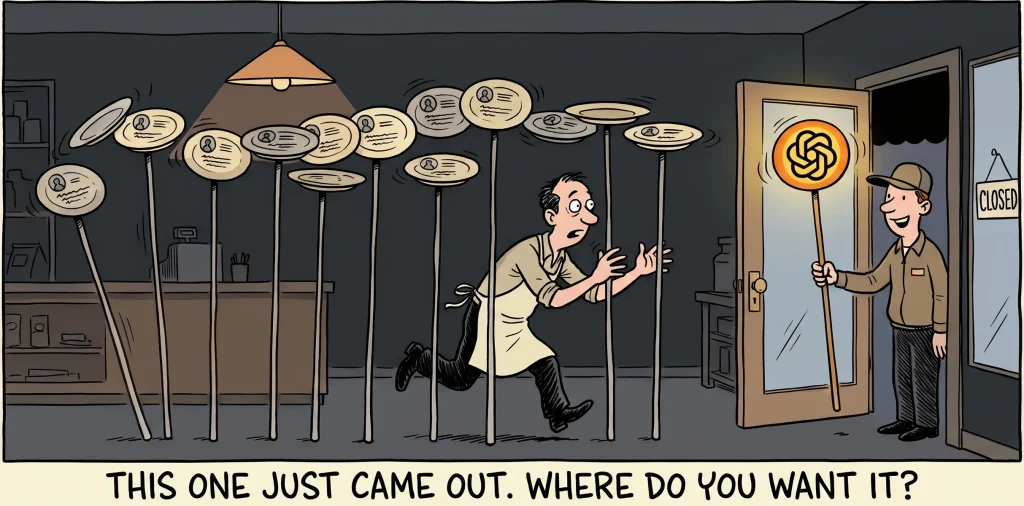
To get your business listed on ChatGPT, claim it in Business Hub, pass an identity check, and then fill in the profile. ChatGPT may already describe your business, so the listing is something you claim, not something you create. OpenAI opened Business Hub in beta on November 10, 2026. Claiming needs no ad account and promises no better placement. The work is small if your business facts already agree everywhere, and getting them to agree is the real job.
Contents
- What is ChatGPT Business Hub?
- What are the ChatGPT business listing requirements?
- Is ChatGPT Business Hub free?
- How do you add your business to ChatGPT?
- Does ChatGPT Business Hub require ID verification?
- How long does it take to claim a business in ChatGPT?
- What if you can't find your business in ChatGPT?
- What should you put in each field of the ChatGPT profile?
- How do you get your products listed on ChatGPT?
- What do the Insights numbers in Business Hub mean?
- How is a ChatGPT profile different from Google Business Profile?
- Will claiming the profile make ChatGPT recommend your business more?
- Is claiming your ChatGPT profile worth the work?
What is ChatGPT Business Hub?
ChatGPT Business Hub is the dashboard where a business claims and manages its listing in ChatGPT. OpenAI launched Business Hub in beta on November 10, 2026, as part of a release called Businesses in ChatGPT. Three terms help. The listing is the record ChatGPT holds about your business. The profile is what customers see when they open your business from an answer. Business Hub is where you manage both: you correct your details, add a product feed, and see how often ChatGPT mentions you. OpenAI says 1.2 billion people use ChatGPT each week.
ChatGPT was already describing your business before this launch, from your website and from other sources. Business Hub lets the owner state the facts directly. A person can click a business in a ChatGPT answer and open its profile, which shows the category, the delivery and return terms, a short description and products.
What are the ChatGPT business listing requirements?
The ChatGPT business listing requirements are short: an eligible business with a website, in a market where ChatGPT is offered, claimed by its owner or by someone authorized to speak for it. Two limits apply at launch, according to OpenAI's guide to setting up your business on ChatGPT. Local stores and restaurants can claim only listings that already exist, and only in the US. Business Agents, the chat feature, are open only to US ecommerce and online service businesses.
Is ChatGPT Business Hub free?
OpenAI's setup guide lists no fee for claiming a business in ChatGPT Business Hub. The guide says you need no Ads account and no ChatGPT Enterprise agreement. Paid products sit beside Business Hub. ChatGPT Ads is one. The ChatGPT Business subscription plan is another, and it is a separate product with a similar name.
How do you add your business to ChatGPT?
You add your business to ChatGPT by claiming its listing in Business Hub, in five steps. There is no separate form to register a business on ChatGPT. Claiming the listing is the registration. Each brand is claimed and managed on its own. OpenAI's setup guide says there is no central management across a parent company's brands and locations yet.
- Sign in to ChatGPT and open Business Hub from the sidebar.
- Search for your business by name and pick the matching listing.
- Confirm which ChatGPT account will manage the profile. Use an account the business controls. You can add teammates or an agency later, each with their own ChatGPT account. An agency invitation can be blocked, depending on which account claimed the business.
- Prove ownership. You can take a code by phone, take a code by email, add a DNS TXT record to your domain, or connect a Shopify store. Business Hub may show only some of these for your listing.
- Wait for OpenAI's decision by email.
An approved claim is not the finish line. Business Hub then asks you to verify your identity, and you cannot edit the profile until that check clears. The next section covers the check.
Choose the DNS record if you can, because it proves you control the domain, and the domain is the home of your business online.
Does ChatGPT Business Hub require ID verification?
Yes, ChatGPT Business Hub requires identity verification before you can publish edits, add a product feed, see Insights or get the blue check. A company called Persona runs the check for OpenAI. This is a KYC-style check, the kind of know-your-customer verification a bank runs when you open an account. Persona may ask for a government ID, your business registration details, and proof that you are authorized. The names, addresses and registration numbers you give must match official records. However, the Persona check is not instant. OpenAI reviews the submission and sends its decision by email, and the setup guide says review time varies. Plan for a wait between claiming the ChatGPT profile and filling it. You can also put the check off. OpenAI's setup guide says a business that claimed by another method can complete the Persona check later.
Here is what the identity check asked of me. A consent screen asked me to agree to the processing of my biometric information. First, Persona needs a camera, and offers to move you to your phone. Then it asked for the front and back of my driver's license. Finally, it scanned my face from the front, the left and the right, which is what the biometric consent covers. That claim needed no business papers. On a second claim, though, for another of my businesses, Persona asked for a tax number and took a registration document.

How long does it take to claim a business in ChatGPT?
Claiming a business in ChatGPT took me a few minutes, and the identity check that follows took a few hours. I claimed Quantum Quill Digital on November 11, 2026, the day after Business Hub launched. The listing already existed. I verified with a DNS record, and OpenAI approved the claim within a few minutes.

The confirmation screen in Business Hub offered four next steps. Two were paid products: $500 in advertising credit for ChatGPT Ads, and an upgrade to a ChatGPT Business plan.
Persona's approval arrived within a few hours, the same day. The wait mattered. ChatGPT's listing for Quantum Quill Digital showed the wrong address, and I could not correct it until the check cleared. The Products page in Business Hub was locked for the same reason. With the approval in, I can now edit the profile.

What if you can't find your business in ChatGPT?
If you can't find your business in ChatGPT Business Hub, your options depend on the kind of business. An eligible online business may see an option to add itself. If you create a new profile through Persona, OpenAI's approval publishes it with no separate publish step, so continue only when you are ready. A local store or restaurant can only claim a listing that already exists, and only in the US. A listing that shows Contact support is locked, and you ask OpenAI for access. If someone else has claimed your business, open its profile and choose Dispute ownership. A dispute runs through Persona as well. OpenAI says neither a claim nor a dispute changes how a profile shows in ChatGPT.
What should you put in each field of the ChatGPT profile?
Put the same facts in the ChatGPT profile that you publish everywhere else, word for word where you can. Business Hub lets you edit your website, description, category, logo, delivery policy and return policy. You can also add a cover photo and other optional details. OpenAI reviews each change before it goes live.
- Website. Use your one canonical address, in the same form you use in your markup and on Google Business Profile.
- Description. Say what the business is, who it serves and where, in the first sentence. Reuse the description from your Organization schema so the two agree.
- Category. Choose the category closest to what you sell most. Match the category you use on Google.
- Logo and cover photo. Upload the same logo file your website and your schema use. Business Hub needs three images before it will add photos to your profile, so have three photos of what you sell ready before you start.
- Delivery and return policy. State the rules as they stand on your policy pages today. If the page and the profile disagree, a customer will find out.
Write these items down once, in one document, before you open Business Hub. Then paste.
How do you get your products listed on ChatGPT?
You get your products listed on ChatGPT by connecting a product feed in Business Hub, once the identity check clears. The feed is how you submit products to ChatGPT, and each product in it can appear as a ChatGPT product listing. A business that sells no products can skip this step. A feed gives ChatGPT your current prices and stock. OpenAI's setup guide says you can upload a CSV feed that follows its product feed specification, or connect a Shopify feed. That specification requires nine fields for every product: item ID, title, description, URL, brand, seller name, image URL, availability and price. Titles should run to 150 characters at most. Price is written as an amount, a space and a currency code, such as 79.99 USD. However, a Shopify store may not need to upload anything. OpenAI says eligible Shopify products are already in ChatGPT through Shopify Catalog.
OpenAI's best practices for product feeds give three rules worth following: write factual descriptions, keep every URL valid, and keep the feed current. Decide who updates the feed before you upload it.
What do the Insights numbers in Business Hub mean?
The Insights numbers in Business Hub show mentions, website clicks and discovery topics over the past 28 days. Together they measure how often your business appears in ChatGPT results and what people do next. The live dashboard also shows profile views and a 7-day view. Each number has a catch.
- Mentions. For an online business, a mention counts only when ChatGPT references your website. Your brand name alone does not count. For a local business, a mention counts when ChatGPT shows a result for that location.
- Profile views. Business Hub shows a count of profile views beside mentions and clicks. Neither the announcement nor the setup guide defines the number.
- Website clicks. The Business Hub tooltip says a recorded click does not confirm a website visit or a sale. So compare the click count with your own analytics.
- Discovery topics. Discovery topics are grouped themes, not the questions people typed. OpenAI does not share chats with businesses.
A blank metric does not have to mean zero. OpenAI's setup guide says activity may be under a reporting threshold, or data may still be collecting. For example, on the day I claimed Quantum Quill Digital, all three tiles were blank.

How is a ChatGPT profile different from Google Business Profile?
A ChatGPT profile works like Google Business Profile in outline and differs in the details. Both give a business a listing to claim, a verification step, a dashboard, and an ad product next door. Google Business Profile is for businesses that meet customers in person, at a location or in a service area. Google's Business Profile eligibility guidelines exclude online-only businesses. ChatGPT Business Hub requires a website. Google lets you edit hours, address and phone, while Business Hub's main fields are website, description, category, logo and policies. Google says a complete profile helps local ranking, but OpenAI makes no such promise.
Will claiming the profile make ChatGPT recommend your business more?
No, claiming the profile will not make ChatGPT recommend your business more, by OpenAI's own account. OpenAI's setup guide says claiming "doesn't guarantee increased visibility" and gives you no direct control over ChatGPT's recommendations. ChatGPT still makes its own comparisons and still reads other sources. OpenAI also says that advertising does not influence ChatGPT's independent answers. That is OpenAI's claim. No outside study has tested it yet.
Does your business show up on ChatGPT now? To find out, ask ChatGPT what a customer would ask, with your category and your city or product type, in a logged-out window. Note which businesses it names. Then ask the same questions again a month after you fill in the profile.
Still, the ChatGPT profile can do one useful thing: remove wrong facts. A wrong return policy or an old web address costs sales no matter how often ChatGPT mentions you.
What shapes ChatGPT's recommendations is the same evidence ChatGPT used before Business Hub existed: your own website, what other sites say about you, and whether those sources agree on who you are and what you do. Markup helps machines identify your business, though not every stage of AI search reads it. Getting those sources to agree is the work of entity engineering. The ChatGPT profile is one more place where your facts need to match.
Is claiming your ChatGPT profile worth the work?
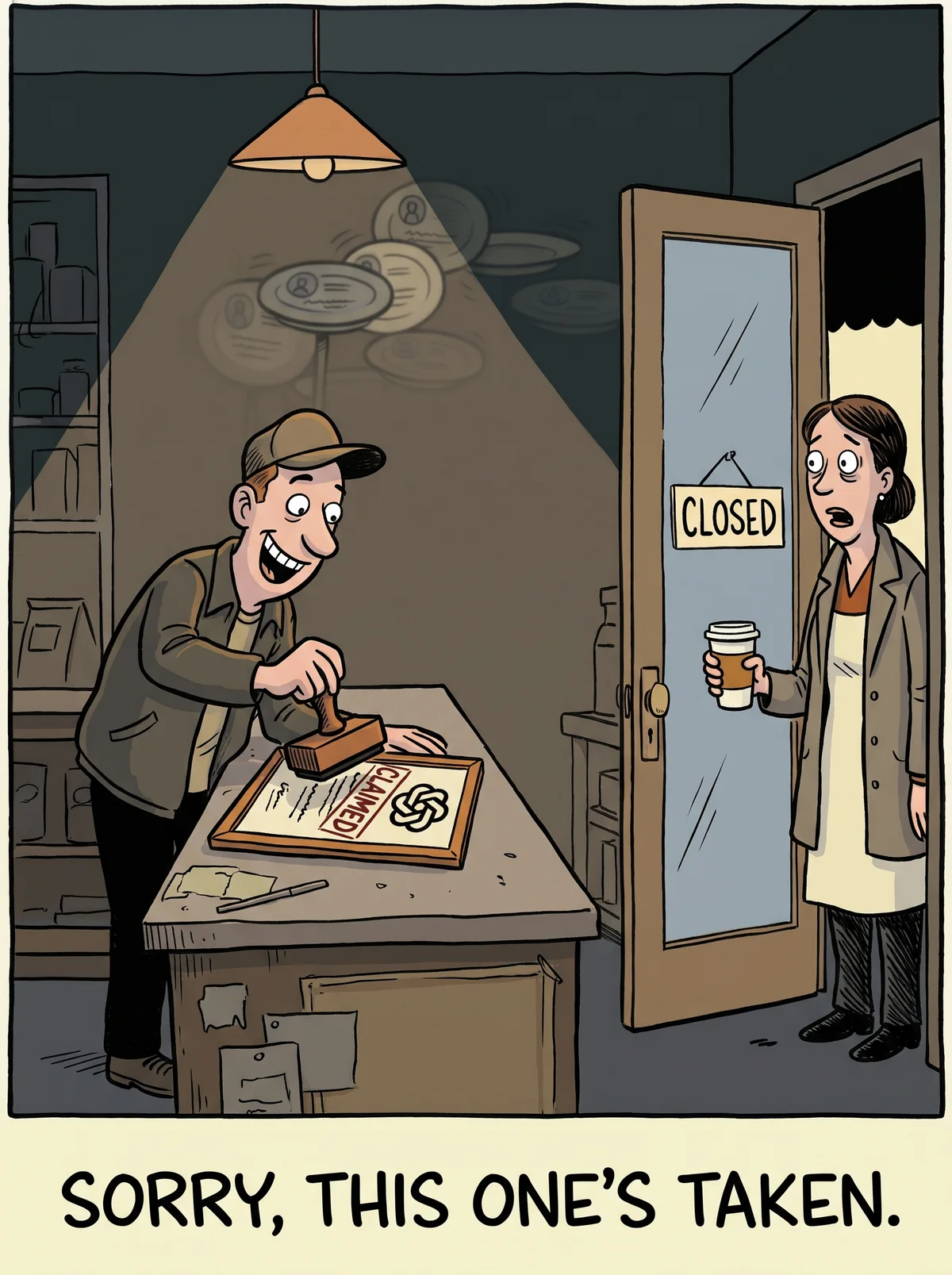
Yes, claiming your ChatGPT profile is worth the work for most businesses, and the main reason is defensive. Otherwise, someone else may claim it first. Barry Schwartz of Search Engine Roundtable wrote on launch day that he was nervous about people hijacking businesses in Business Hub. A dispute process exists, but claiming first is simpler.
The profile also gives you data. Mentions and clicks from ChatGPT were hard to see before Business Hub.
The cost of the work tells you something too. If filling a handful of fields takes an afternoon of hunting for the right logo and the right wording, your business has no single record of itself. Fix that, and this profile, the Google profile and the next one all get easy.
One objection is fair. You are giving OpenAI clean data for free, and an ad product sits beside the profile. Google made the same trade with local businesses years ago. The answer has not changed. Keep the master record of your business on your own website, and treat every profile as a copy.
If your business facts disagree across the web, Quantum Quill Digital can help you build the one record that every profile copies. See our services.
Sources
OpenAI, "Introducing Businesses in ChatGPT", November 10, 2026. OpenAI Help Center, "Setting up your business on ChatGPT", read November 14, 2026. OpenAI Developers, "Product feeds" and its pages "Get Started", "Best practices", file upload "Overview" and "Products" specification, read November 11, 2026. Google Business Profile Help, "Business eligibility and ownership guidelines" and "Tips to improve your local ranking on Google", read November 11, 2026. Barry Schwartz, Search Engine Roundtable, "Businesses in ChatGPT Business Hub Live With Click Data", November 10, 2026. Details describe the beta as of November 11, 2026.
Quantum Quill Digital helps established businesses, marketing teams, authors, executives and experts get found, and described correctly, in search and AI. Small business owner? Our guides are free. Be the answer machines can verify.
